



The Foundation of E-commerce Success
Shopify is the world’s leading e-commerce platform for a reason: it makes launching a store incredibly easy. However, ease of use can lead new sellers into common, critical traps. Skipping crucial steps during the initial setup can result in low conversions, high cart abandonment, and poor search engine rankings.
Avoiding these common Shopify store setup mistakes is the difference between a storefront that looks operational and one that actually generates profit.
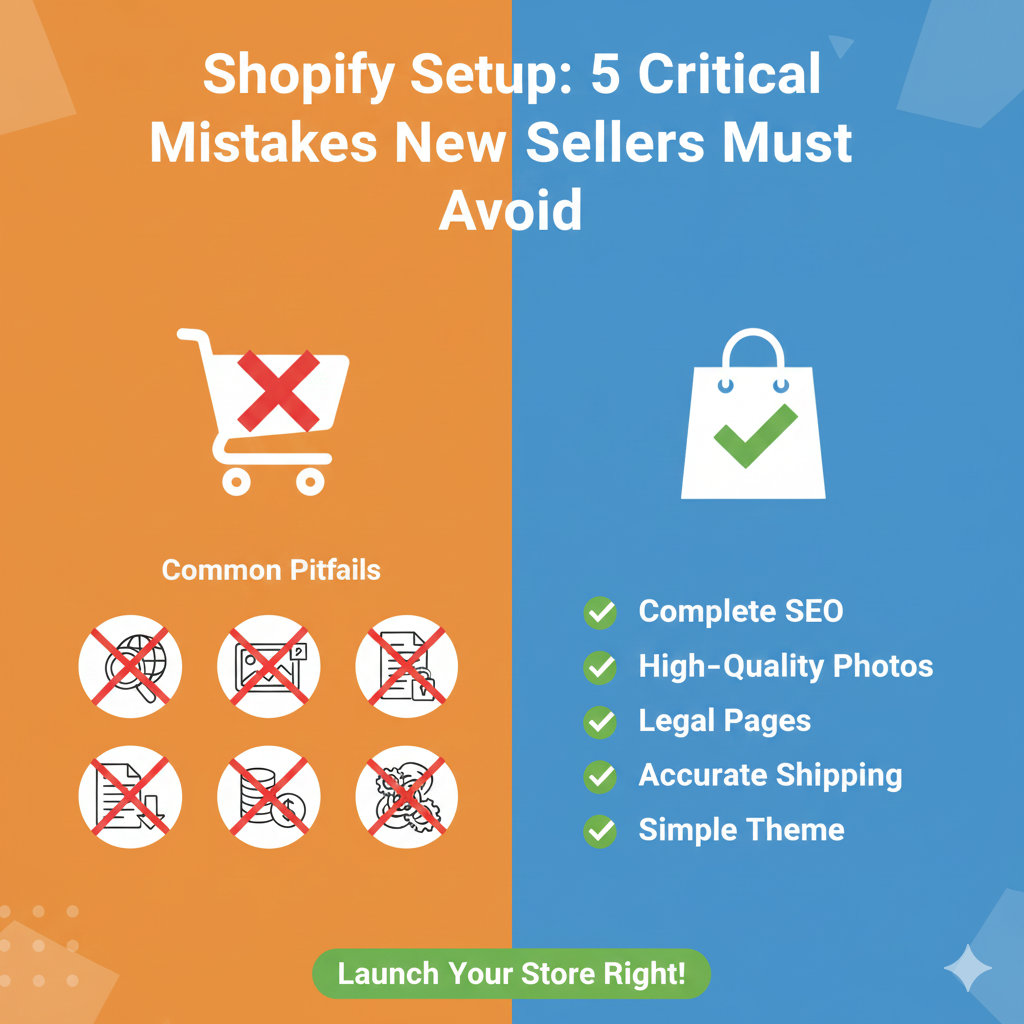
This guide outlines the five most critical errors new sellers make and provides a checklist for correcting them before you launch.
Mistake 1: Neglecting Basic SEO & Site Navigation
Many new sellers treat the site launch as purely aesthetic, ignoring the settings that help customers (and Google) actually find the store.
The Error: Launching with default theme names, disorganised collections, and no basic keyword strategy.
The Fix (Checklist):
- ✅ Optimise Homepage Titles: Change the default title (“Welcome to My Store”) to an SEO-friendly one that describes what you sell and who you sell to (e.g., “Handmade Leather Goods | Ethical Wallets & Bags”).
- ✅ Set Up Simple Navigation: Use clear, intuitive menus. The main menu should link to your Collections, not just individual products.
- ✅ Complete Product Meta Descriptions: Write a unique, keyword-rich Meta Description for your homepage and top collections/products.
- ✅ Remove Password Page: Ensure the initial password protection page is removed before you drive traffic (a surprisingly common oversight!).
Mistake 2: Incomplete & Low-Quality Product Pages
The product page is where the purchase decision happens. Generic content and missing details kill conversions instantly.
The Error: Using supplier descriptions verbatim, relying on one low-resolution photo, and omitting critical purchase details.
The Fix (Checklist):
- ✅ High-Quality, Multiple Images: Use at least 4-5 high-resolution images per product, showing different angles and lifestyle shots (the product being used).
- ✅ Write Unique Descriptions: Rewrite supplier copy to focus on benefits for the customer, not just features. Use emotional language and storytelling.
- ✅ Address Purchase Anxiety: Clearly detail return/refund policies, shipping times, and materials/sizing information directly on the product page (or link to them prominently).
- ✅ Use Video (If Possible): A short 15-second video demonstrating the product dramatically boosts trust and conversion.
Mistake 3: Skipping Crucial Legal and Policy Pages
Trust is the currency of e-commerce. If a customer can’t quickly find out how to return an item or how their data is used, they will abandon the cart.
The Error: Failing to create essential policy pages or linking to them only in the footer, where they are easily missed.
The Fix (Checklist):
- ✅ Generate Policy Pages: Use Shopify’s built-in policy generator (Settings > Legal) to create the bare minimum: Refund Policy, Privacy Policy, Terms of Service.
- ✅ Create a Dedicated Shipping Policy: Clearly state expected processing times, delivery windows, and any associated costs upfront. This is one of the biggest factors in cart abandonment.
- ✅ Add an “About Us” Page: Humanise your brand. Tell your story, state your mission, and include contact information. This builds trust.
Mistake 4: Incorrect Shipping and Tax Configuration
Mistakes in shipping and tax settings directly affect profitability and customer satisfaction. The checkout process must be seamless.
The Error: Underestimating shipping costs, leading to surprise fees for the customer at checkout, or overcharging for taxes.
The Fix (Checklist):
- ✅ Configure Shipping Zones: Clearly define domestic and international shipping zones and their associated costs (Flat Rate, Calculated Rate, or Free Shipping thresholds).
- ✅ Set Up Weight/Price-Based Rates: Use Shopify’s settings to automatically calculate accurate rates based on package weight or order value to prevent losses.
- ✅ Verify Tax Settings: Ensure taxes are correctly set up for your region (e.g., GST in India, Sales Tax in the US) to maintain legal compliance and avoid undercharging the customer or overcharging yourself.
- ✅ Display Shipping Promise: Use a banner or site announcement bar to communicate shipping rates or free shipping thresholds before the customer reaches the cart.
Mistake 5: Over-Customising the Theme Early On
New sellers often spend weeks tweaking code and colours, delaying launch, and sometimes breaking core functionality.
The Error: Getting lost in minor design details, installing dozens of unneeded apps, and failing to test the fundamental checkout path.
The Fix (Checklist):
- ✅ Focus on Core Conversion: Choose a clean, simple, mobile-responsive theme (Dawn is excellent). Focus on making the Add to Cart > Checkout process perfect.
- ✅ Limit Apps: Only install essential apps initially (e.g., a review app, basic SEO tool). Too many apps slow down your site and increase maintenance costs.
- ✅ Test the Entire Funnel: Place a test order yourself (and refund it) to ensure payment gateways, tax calculation, shipping rates, and confirmation emails all work perfectly on both mobile and desktop.
- ✅ Prioritise Speed: Check your site speed scores. Excessive customisation and unnecessary apps kill speed, which Google penalises, and customers hate.
Conclusion: Launching Smart, Not Just Fast
Launching your first Shopify store is a milestone, but rushing the setup can create technical and trust issues that are expensive to fix later. By meticulously avoiding these five critical mistakes—focusing on SEO, quality content, legal clarity, accurate pricing, and a smooth checkout—you establish a powerful, trustworthy, and profitable foundation for your e-commerce business.