


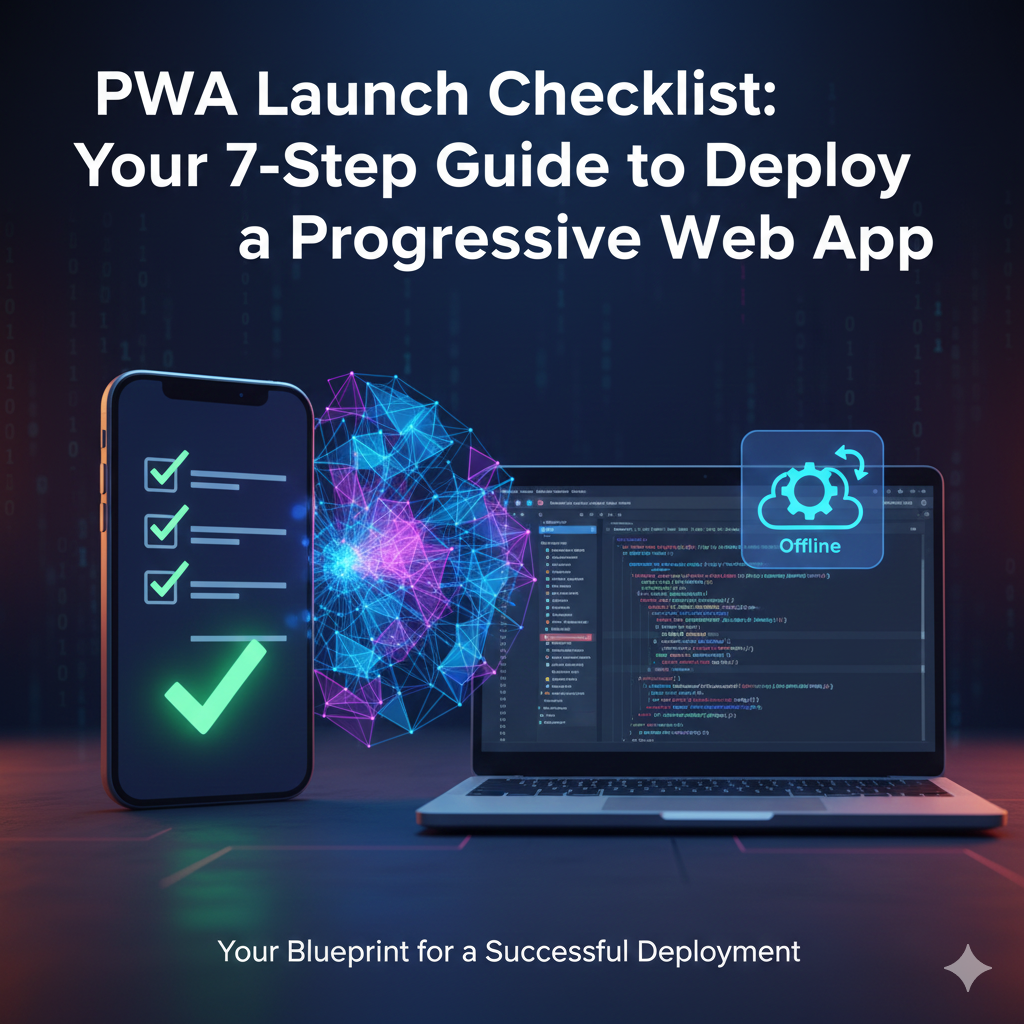
Introduction: The Power of Progressive Web Apps
In today’s mobile-first world, users demand fast, reliable, and engaging experiences. Native apps deliver this, but often come with high development costs and distribution friction. Enter Progressive Web Apps (PWAs)—websites that offer an app-like experience directly from the browser.
PWAs combine the best of both worlds: the broad reach of the web with the rich features of native apps (offline access, push notifications, “Add to Home Screen” functionality). But launching a PWA successfully requires careful attention to a specific set of requirements.
This checklist provides 7 essential steps to ensure your first PWA launch is smooth, efficient, and delivers a truly “progressive” experience to your users.
Your 7-Step Checklist for Launching Your First PWA
Step 1: Secure Your Site with HTTPS – The Non-Negotiable Foundation
- Why it’s Essential: HTTPS is a fundamental requirement for PWAs. Service Workers (which enable offline functionality) can only be registered on secure origins (HTTPS).
- Action: Ensure your entire website is served over HTTPS. If not, acquire an SSL certificate and configure your server to enforce HTTPS for all traffic.
- Checklist Point:
- ✅ All pages served over HTTPS.
- ✅ No mixed content warnings (HTTP assets on an HTTPS page).
Step 2: Create a Web App Manifest – Your App’s Identity Card
- Why it’s Essential: The Web App Manifest is a JSON file that tells the browser how your PWA should behave when installed on a user’s device (e.g., “Add to Home Screen”).
- Action: Create a manifest.json file and link it in your HTML.
- Key Properties to Include:
- ✅ name and short_name: Displayed to the user.
- ✅ start_url: The page that loads when the PWA is launched.
- ✅ display: Set to standalone or fullscreen for an app-like experience.
- ✅ icons: High-resolution icons for various devices/contexts.
- ✅ theme_color and background_color: For browser UI and splash screen.
- Checklist Point:
- ✅ Valid manifest.json linked in <head> (e.g., <link rel=”manifest” href=”/manifest.json”>).
- ✅ All required properties populated.
Step 3: Implement a Service Worker – The Offline Powerhouse
- Why it’s Essential: The Service Worker is a JavaScript file that runs in the background, separate from your main web page. It enables offline capabilities, push notifications, and caching strategies.
- Action: Create service-worker.js and register it in your main JavaScript.
- Key Functionality:
- ✅ Installation: Define which assets (HTML, CSS, JS, images) are cached during installation (e.g., CACHE_STATIC_ASSETS).
- ✅ Activation: Handle updates to your Service Worker, clearing old caches.
- ✅ Fetch Events: Intercept network requests to serve cached content when offline or from the cache first.
- Checklist Point:
- ✅ service-worker.js created and registered (e.g., navigator.serviceWorker.register(‘/service-worker.js’)).
- ✅ Caching strategy defined for offline assets.
- ✅ Updates handled gracefully.
Step 4: Ensure Offline Capability – The Reliability Factor
- Why it’s Essential: A core promise of PWAs is reliability, even in poor or no network conditions.
- Action: Use your Service Worker to cache critical resources so your PWA loads offline.
- Key Considerations:
- ✅ Offline Fallback Page: A user-friendly page displayed when an uncached page is requested offline.
- ✅ Critical Assets: Cache all core UI, CSS, JavaScript, and essential images.
- ✅ Dynamic Content Strategy: Consider strategies for syncing data when online.
- Checklist Point:
- ✅ Core app functionality accessible offline.
- ✅ Custom offline page implemented.
Step 5: Make it Responsive & Mobile-First – Universal Accessibility
- Why it’s Essential: PWAs are designed to work across all devices. A mobile-first approach ensures a good experience everywhere.
- Action: Design and develop for small screens first, then progressively enhance for larger screens.
- Key Practices:
- ✅ Use a responsive design framework (Flexbox, CSS Grid).
- ✅ Implement the viewport meta tag (e.g., <meta name=”viewport” content=”width=device-width, initial-scale=1″>).
- ✅ Ensure touch-friendly controls and readable font sizes.
- Checklist Point:
- ✅ PWA is fully responsive across mobile, tablet, and desktop.
- ✅ User interface is touch-friendly.
Step 6: Optimize Performance & Loading Speed – The User Experience Driver
- Why it’s Essential: Fast loading times are crucial for user retention. PWAs should feel instant.
- Action: Minimize file sizes, optimize images, and leverage caching.
- Key Techniques:
- ✅ Image Optimization: Compress images, use modern formats (WebP).
- ✅ Code Minification: Minify CSS, JavaScript, and HTML.
- ✅ Lazy Loading: Load off-screen images and components only when needed.
- ✅ Leverage Browser Cache: Set appropriate caching headers.
- ✅ Server-Side Rendering (SSR) or Static Site Generation (SSG): For initial page loads.
- Checklist Point:
- ✅ Lighthouse score for Performance is high (>90).
- ✅ First Contentful Paint (FCP) and Largest Contentful Paint (LCP) are fast.
Step 7: Provide “Add to Home Screen” Prompt – Boost Engagement
- Why it’s Essential: This prompt encourages users to “install” your PWA like a native app, enhancing engagement and repeat visits.
- Action: Implement logic to detect when the browser might prompt for A2HS and potentially offer your own custom prompt.
- Key Considerations:
- ✅ User Signals: Trigger the prompt after meaningful engagement (e.g., after 2-3 visits, or completing a specific action).
- ✅ Clear Call to Action: Explain the benefits of adding to the home screen (faster access, offline use).
- Checklist Point:
- ✅ PWA meets all browser criteria for A2HS.
- ✅ Optional: Custom A2HS prompt implemented with user-friendly messaging.
Conclusion: Your Gateway to App-Like Experiences
Launching a PWA is a strategic move that can significantly enhance your web presence, improve user engagement, and reduce development costs compared to native apps. By methodically following this 7-step checklist—from securing your site with HTTPS to optimizing every byte for performance—you can confidently deploy a Progressive Web App that truly delivers on its promise of an app-like experience directly from the web.