


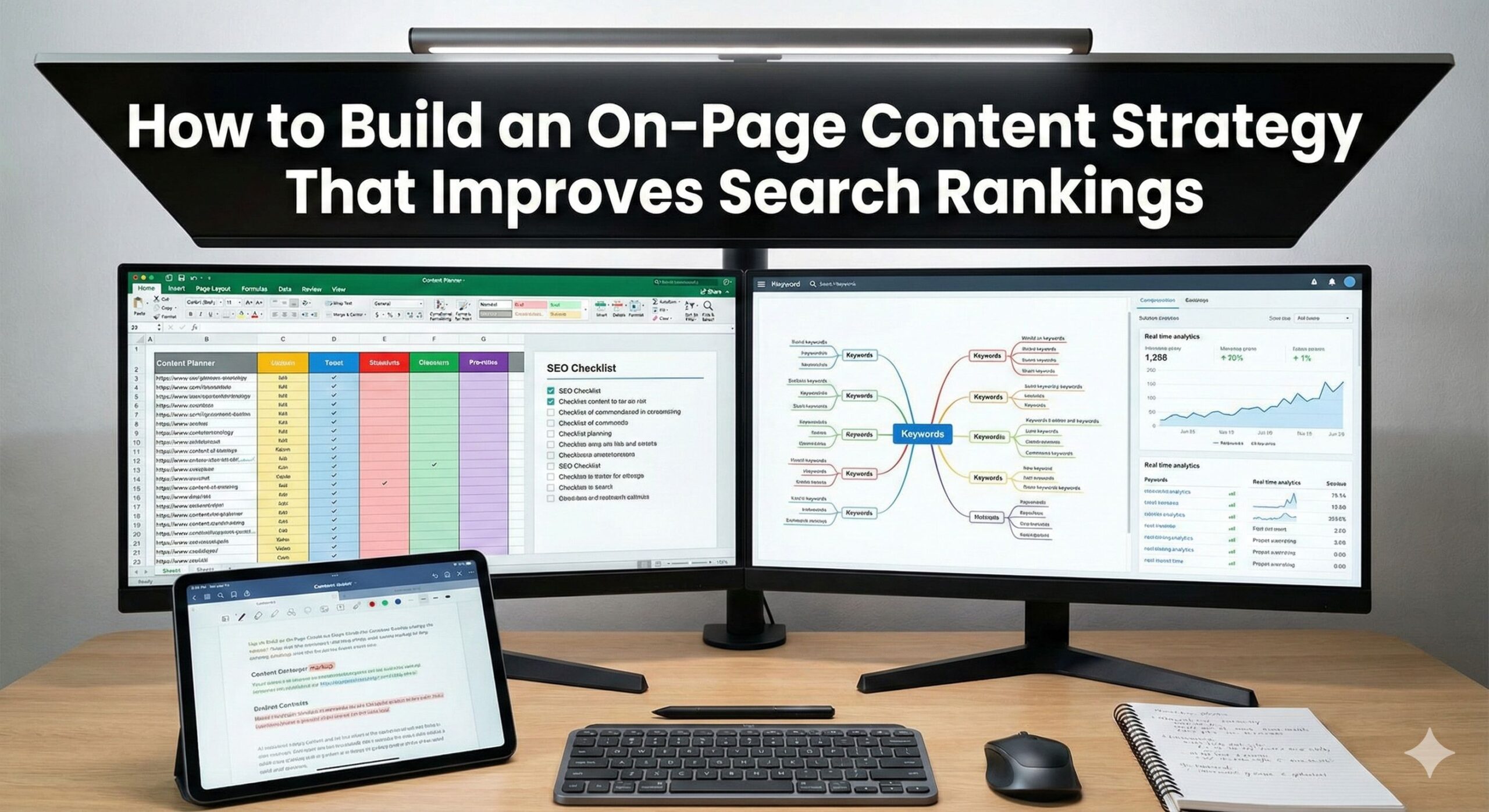
Online, the content on your site is more than just words. It helps people find you, shows you know what you’re talking about, and helps you rank higher on Google. A good on-page content plan means every page is set up to please search engines and give people what they’re looking for.
If you want to rank higher in search results and get steady traffic from search engines, you need a solid on-page content plan.
What’s On-Page Content Strategy?
An on-page content strategy is a plan for how you create, improve, and arrange the content on your site to get noticed on search engines.
A good on-page strategy:
- Helps search engines know what your content is about
- Raises your keyword rankings
- Makes the experience better for users and keeps them interested
- Brings in more unpaid traffic
- Grows your site’s reputation
- Makes people more likely to buy or sign up
How to Create an On-Page Content Strategy for Higher Search Rankings
1. Start With Clear Keyword Research
Keyword research is the base of your content strategy. It makes sure your content is what users want to find.
Steps for Keyword Research
- Find main keywords (high intent, medium competition)
- Look for longer, more specific keywords (easier to rank).
- Analyze competitor keywords
- Use tools like SEMrush, Ahrefs, Google Keyword Planner, and Ubersuggest.
Each thing you write should focus on one main keyword and a few others that help.
2. Understand User Intent Behind Every Keyword
Google wants content that gives people what they want.
Types of Search Intent:
- Informational: How to fix my car
- Navigational: Amazon website
- Transactional: Order pizza now
- Commercial: Best phone service
Make your content (like a blog post, product page, or guide) fit what people are trying to do.
3. Create High-Quality, Valuable Content
Your content should be more than just keywords all over the place. It should fix something, teach something, or give a new perspective.
Is Your Content Good? Ask Yourself:
- Is it easy to read and organized well?
- Does it have facts, examples, or pictures?
- Is it in-depth and useful?
- Is it interesting to read?
- Does it give tips people can actually use?
Google likes content that makes people happy and keeps them on the page.
4. Optimize Your Header Structure (H1, H2, H3…)
Headers let Google figure out what your content is all about.
What Works Best:
- Use one H1 tag, and put your main keyword in it.
- Use H2 and H3 tags to split up your sections.
- Throw in some other keywords where they fit.
- Make sure your headings match the way your content flows.
A good header structure makes things easier to read and boosts your SEO.
5. Make Your Meta Tags Awesome
Meta tags matter if you want people to click.
What to do:
- Title tag is between 50–60 characters.
- Meta description is between 150–160 characters.
Pack them with keywords, make them clear, and make them interesting.
6. Improve Your URL Structure
A clean URL that tells you what the page is about helps both people and search engines.
Some Pointers:
- Shorter URLs do better.
- Include your main keyword.
- Stay away from numbers and weird symbols.
- Use hyphens instead of underscores.
Example:
Good: /on-page-content-strategy
Bad: /blog123/page?ref=xyz
7. Use Internal Linking Wisely
Internal links help distribute authority and strengthen content relevance.
Internal Linking Strategy
- Link to related blogs or pages
- Use descriptive anchor text
- Add links naturally within the content
- Ensure no broken links
This helps Google crawl your site more efficiently.
8. Optimize Images for SEO
Images make things more interesting, but you have to have them ready.
Things to check:
- Make your image file size smaller.
- Use names for your files that say what the image is about.
- Add alt tags with keywords.
- Use WebP for quick loading.
Well-done images can also help you show up in Google Images.
9. Make Your Pages Load Fast
Schema markup lets Google figure out what your content is about.
Boost Speed By:
- Compressing images
- Cut down on CSS and JavaScript.
- Use caching.
- Pick a fast web host.
Google likes sites that load quickly and work well.
10. Include Schema Markup for Better Visibility
Schema markup helps Google understand your content contextually.
Popular schema types:
- Article
- FAQ
- Breadcrumb
- How-To
- Local Business
If you use schema, your site might show up in cool search results, which can get you more clicks.
11. Encourage Engagement and Lower Bounce Rate
Google looks at how people act on your site to see if your stuff is good.
Improve Engagement With:
- Use short paragraphs.
- Add pictures, infographics, and videos.
- Make your calls to action clear.
- Add Internal links
- Structure, spacing, and formatting
If people like your content, it will rank higher.
12. Keep Your Content Up-to-Date
Google likes new content.
Go back to your old pages and:
- Add new information.
- Use current keywords.
- Make them easier to read.
- Add internal links.
- Update old numbers.
Updating your content can give your rankings a quick boost.
Conclusion
Creating good content for your website isn’t just about using keywords a lot. It’s about making content that is organized, helpful, and focused on what people want. Search engines will see this and trust your site.
If you keep these tips up, your website can get:
- Better search rankings
- More traffic from search engines
- Happier visitors
- More sales
On-page SEO takes time, but it’s worth it if you do it well.